Available$29
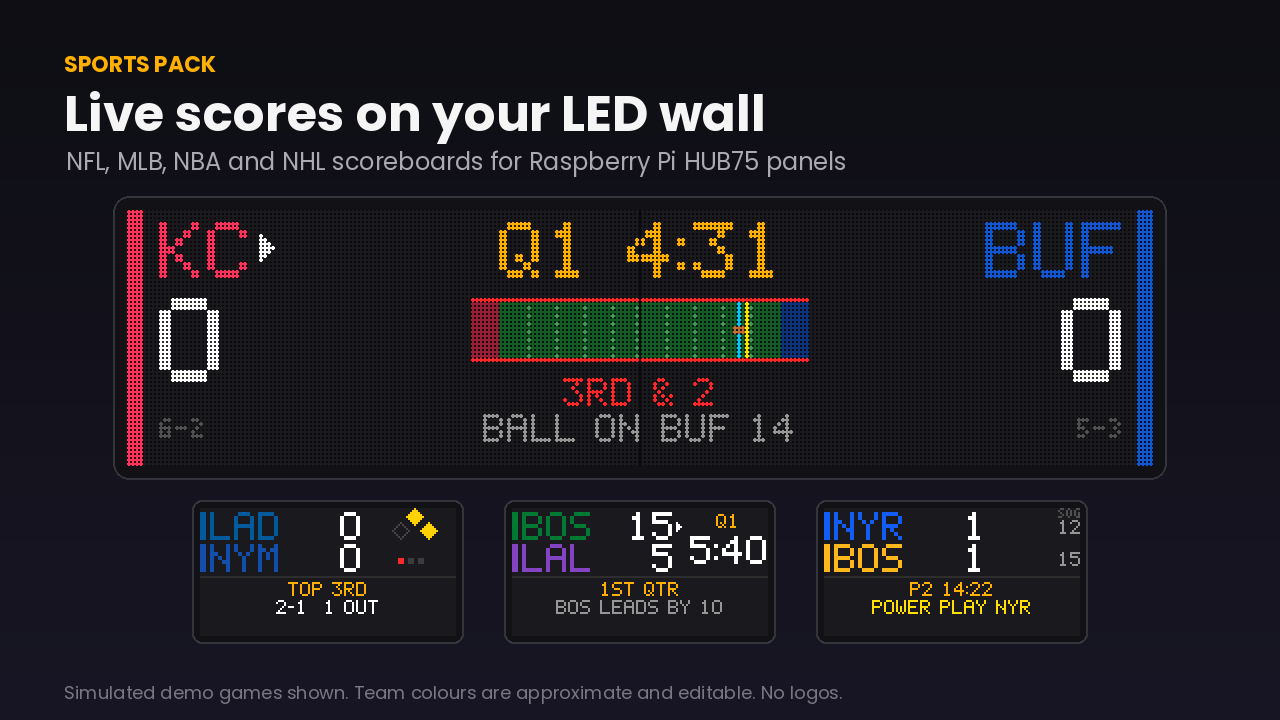
Universal Sports Display
Live games on an LED matrix that take over the display when your team plays, celebrate when they score, and step aside when the game ends.
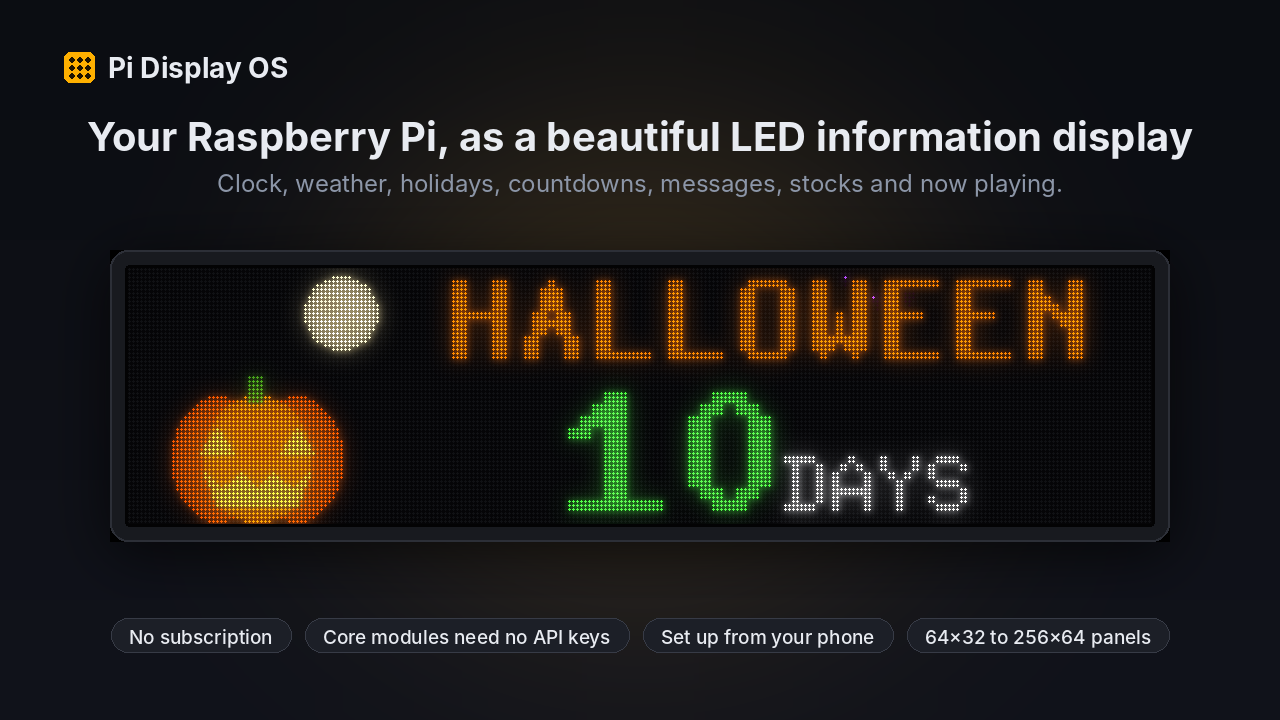
A modular information display for Raspberry Pi and HUB75 LED panels: clock, countdowns, holidays, custom messages and weather, configured from a web page.
Secure checkout. You get the download right after purchase.
Recorded from the shipped software in demo mode on a simulated LED panel, with demo data. Not camera footage of physical panels.
Pi Display OS turns a Raspberry Pi and a set of HUB75 LED panels into a display you configure from your phone or laptop: pick the modules, their order and how long each shows, set your colours, and it rotates through them.
The core works the moment it's installed, with no accounts or API keys: clock and date, countdowns to your own events (with tomorrow and day-of behaviour), a holiday calendar with original animated scenes, and custom scrolling messages. US weather uses the free National Weather Service data. Optional modules (stocks, Sonos now playing, sports, aircraft) use your own accounts and keys, entered in Settings and never shared.
It's built from the display software that runs a 256x64 LED wall every day, rebuilt as a clean package: an installer, a web configuration page, a demo mode for every module, diagnostics, and update and uninstall instructions.
Already running on our own setup. Proven doesn't automatically mean ready for yours: the status above says what's left.
Clock, date, countdowns, holidays and custom text need no internet keys. US weather uses free NWS data.
Choose modules, order, durations, colours, brightness cap and panel size from a browser on your network.
Every module has scripted demo scenarios, so you can see it working without waiting for real data.
Optional modules use your own API keys, masked after saving and never logged. No key = "not configured", never a shared fallback.
Directly from an Adafruit RGB Matrix HAT/Bonnet, or over Wi-Fi to an Adafruit MatrixPortal S3.
One install script, a systemd service, a diagnostics page and a support bundle that redacts keys and network details.
Software ready. Tested in software and simulation: installer, settings, every module, the web page and the MatrixPortal protocol against a simulated device. Not yet tested on physical LED panels by us; hardware results will be listed here once that test has been done.
Per-installation licence for personal use. Commercial venues (bars, offices, client installs) need a commercial licence. Commercial and installer licences are available on request. Full terms.
All updates within the purchased major version (for example 1.x). Major new versions may be a discounted paid upgrade. Current version: 1.0.0. Changelog.
Documentation, a diagnostics report and email support for the tested configurations listed on the page. Report a problem.
No. The core modules need no accounts. Optional data modules use your own accounts with those providers.
HUB75 RGB panels in 64x32, 64x64, 128x64 and 256x64 (two chained 128x64) layouts, driven by an Adafruit RGB Matrix HAT/Bonnet or an Adafruit MatrixPortal S3 (256x64 firmware included). Version 1.0.0 is tested in software and simulation only; this page will list each panel combination once we have run it on real hardware.
The Pi Display OS installer, web settings page, MatrixPortal S3 firmware and Wi-Fi setup tool, and the Clock, Date, Countdown, Custom Text, Holidays, Weather, Stocks and Sonos Now Playing modules. The Sports Pack and Aircraft Pack are sold separately or in the Full Pi Display Bundle.
Yes. Sports, aircraft and other modules plug into the same runtime.
Live games on an LED matrix that take over the display when your team plays, celebrate when they score, and step aside when the game ends.
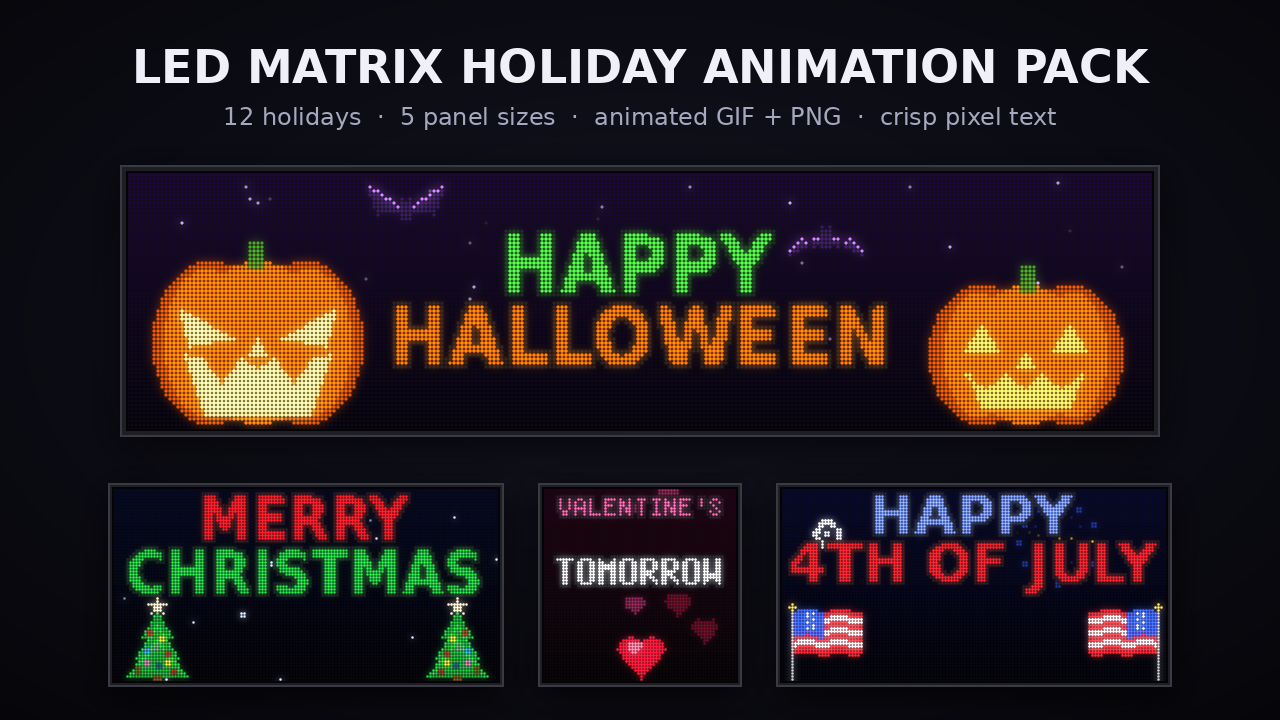
12 original animated holiday scenes with greetings and countdowns, laid out for 64x32 to 256x64 LED matrix panels.
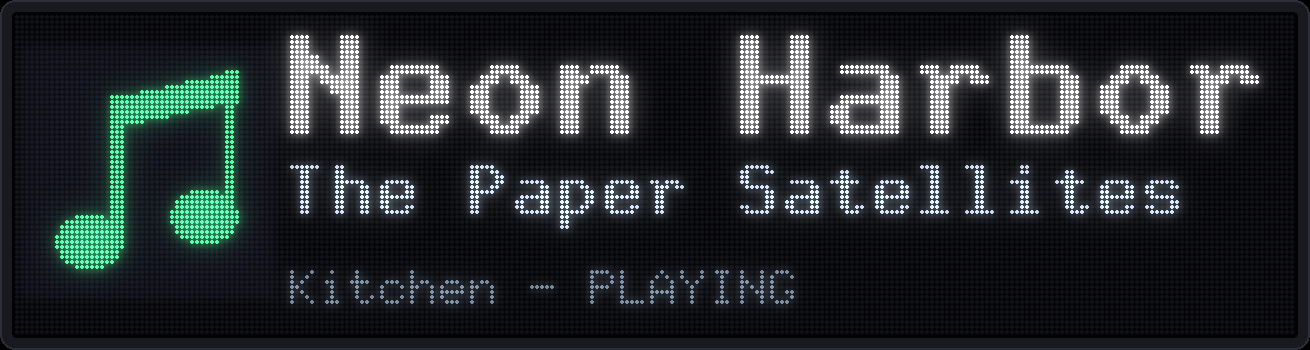
Shows what's playing on your Sonos system on an LED panel, following whichever room is playing. Included in Pi Display OS.
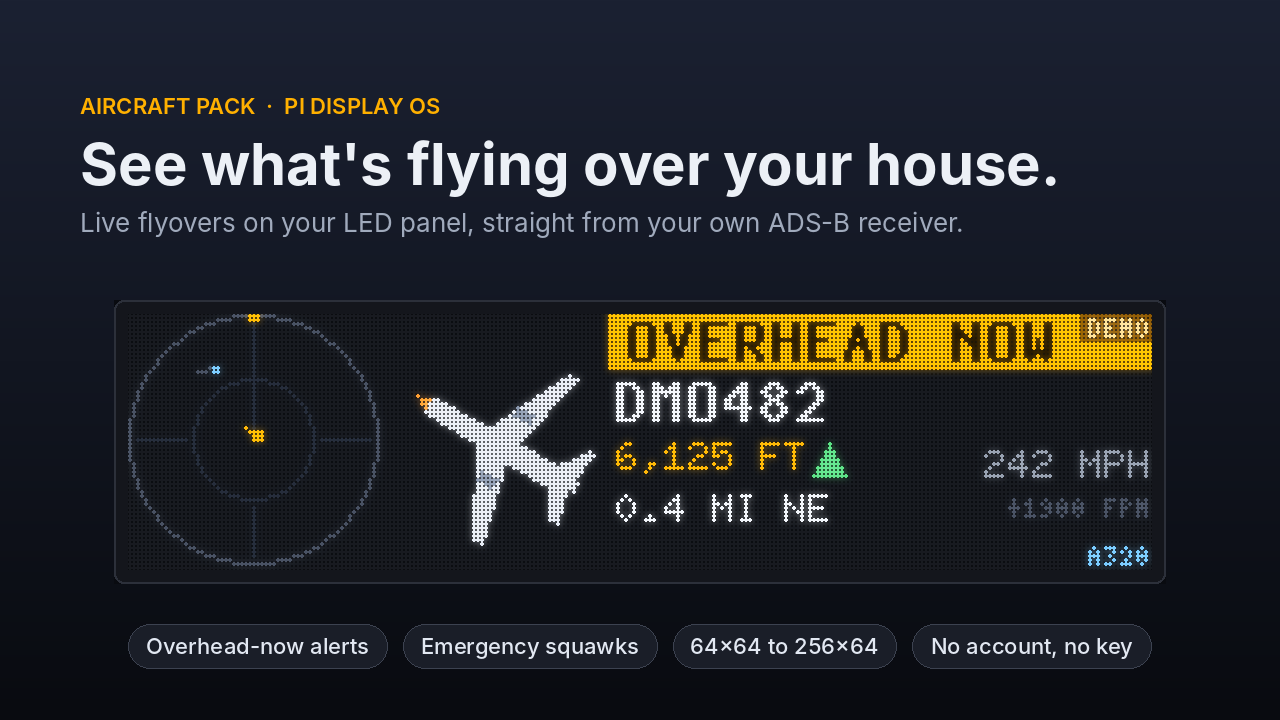
See the aircraft flying over your house, with callsign, altitude, distance and heading, from your own ADS-B receiver.